What to Include in Your Chatbot Knowledge Base
Listen to this article
Press Play to start listening.
Reader settings

An AI chatbot is only as useful as the information it can access. If your chatbot has incomplete, outdated, or poorly organized information, it may struggle to provide customers with accurate answers.
That's why creating a strong AI chatbot knowledge base is one of the most important steps when adding an AI chatbot to your website.
A well-structured chatbot knowledge base helps your AI assistant understand your business, products, services, policies, and frequently asked questions. It enables customers to receive useful answers instantly without waiting for a support representative.
With ChatNestly, businesses can build an AI-powered chatbot and train it using relevant business information to provide smarter customer conversations.
What Is a Chatbot Knowledge Base?
A chatbot knowledge base is a collection of information that an AI chatbot uses to understand and answer customer questions.
Think of it as the chatbot's business library.
Depending on your business, the knowledge base may contain website content, FAQs, product details, service information, policies, instructions, and other useful resources.
When customers ask questions, the chatbot uses this information to generate relevant responses.
For example, if a visitor asks:
"What is your refund policy?"
the chatbot should be able to find the appropriate refund information in its knowledge base and provide a clear answer.
The better your knowledge base is structured, the more useful your chatbot can become.
1. Frequently Asked Questions (FAQs)
FAQs should be one of the first things you add to your AI chatbot knowledge base.
Your support and sales teams probably receive many of the same questions repeatedly.
Common FAQs can include:
What are your opening hours?
Where are you located?
How can I contact you?
How much does your service cost?
How can I place an order?
How do I make a booking?
What payment methods do you accept?
Do you provide refunds?
How long does delivery take?
Adding these questions and clear answers helps your chatbot respond instantly to common customer inquiries.
2. Product Information
If you operate an e-commerce website or sell products online, your chatbot should understand your product catalogue.
Useful information can include:
Product names
Product descriptions
Features
Specifications
Sizes
Available options
Pricing
Availability
Usage instructions
Delivery information
Customers can then ask questions naturally instead of manually browsing multiple product pages.
For example:
Customer: "Which product is suitable for beginners?"
A properly trained chatbot can use your product information to help guide the customer toward an appropriate option.
3. Service Information
Service-based businesses should provide detailed information about every service they offer.
Your chatbot knowledge base should explain what the service includes, who it is suitable for, how customers can request it, expected timelines, service areas, and other important details.
For example, a digital agency might provide information about:
Website development
E-commerce development
SEO services
Website maintenance
AI chatbot development
Digital marketing
The chatbot can then help visitors identify which service may suit their requirements.
4. Pricing Information
Pricing is one of the most common questions potential customers ask.
If your prices are publicly available, adding them to your chatbot knowledge base can significantly reduce repetitive sales inquiries.
You can include:
Product prices
Service packages
Subscription plans
Setup charges
Optional add-ons
Discounts
Billing cycles
If pricing depends on individual requirements, train your chatbot to explain this and guide visitors toward requesting a quotation.
5. Shipping and Delivery Information
E-commerce businesses should make sure their chatbot understands their complete shipping process.
Include information about delivery areas, shipping costs, estimated delivery times, tracking procedures, international shipping, and possible delivery restrictions.
Customers frequently ask questions such as:
"How long will my order take?"
"Do you deliver internationally?"
"How can I track my order?"
Having accurate shipping information available to the chatbot can reduce the workload on your customer service team.
6. Return, Refund and Cancellation Policies
Customers want clear information before making a purchase.
Your chatbot knowledge base should therefore contain your latest:
Return policy
Refund policy
Exchange policy
Cancellation policy
Warranty information
Make sure the information provided to your chatbot matches the policies published on your website.
This is particularly important because outdated policy information can create confusion and poor customer experiences.
7. Business Information
Your chatbot should understand basic information about your company.
Consider including your business name, company description, locations, service areas, contact details, opening hours, customer support information, and important company policies.
This allows your AI chatbot to answer basic questions without requiring customers to search your website.
8. Website Pages
Your existing website already contains valuable information.
Important pages such as your homepage, About Us page, service pages, product pages, FAQ page, contact page, pricing page, and policy pages can provide useful knowledge for your chatbot.
Platforms such as ChatNestly can help businesses turn existing website information into a useful AI customer-support experience.
Visit ChatNestly to learn more:
9. Step-by-Step Instructions
If customers regularly need help using your products or services, include clear instructions in your chatbot knowledge base.
Examples include:
How to create an account
How to reset a password
How to place an order
How to update account information
How to make a payment
How to cancel a booking
How to track an order
Breaking complicated processes into simple steps makes it easier for AI chatbots to provide useful answers.
10. Troubleshooting Information
A chatbot can become an effective first-level support assistant when it has access to troubleshooting information.
Document common customer problems along with their recommended solutions.
For example:
Problem: Customer cannot log in.
Possible response: Verify the email address, reset the password, check the spam folder for verification emails, or contact support if the issue continues.
This allows the chatbot to resolve simple problems before they need to reach a human support representative.
11. Contact and Human Support Information
AI should not prevent customers from reaching humans.
Your chatbot needs clear instructions about when and how customers can contact your support team.
Include your available support channels, business hours, expected response times, escalation procedures, and appropriate departments.
When the chatbot cannot confidently answer a question, it should guide the customer toward the appropriate human support option.
12. Industry-Specific Information
Every business has unique terminology and customer questions.
Your chatbot knowledge base should include information specific to your industry.
For example, a real estate chatbot may need property information, location details, viewing procedures, and buying or renting FAQs.
A healthcare business may need information about services, appointments, locations, and administrative procedures.
An e-commerce chatbot may need product, shipping, return, payment, and order-related information.
The more relevant business knowledge your chatbot has, the more useful its responses can be.
Keep Your Chatbot Knowledge Base Updated
Creating a chatbot knowledge base isn't a one-time task.
Your business changes over time.
You may introduce new products, change prices, expand into new locations, update policies, or launch new services.
Review your chatbot knowledge regularly and remove outdated information.
A useful routine is to review your knowledge base whenever you update important website content.
Avoid Adding Conflicting Information
One of the biggest chatbot knowledge-base mistakes is providing multiple versions of the same information.
For example, one document might say delivery takes 2–3 working days, while another says 3–5 working days.
Conflicting information can make it difficult for an AI chatbot to determine which answer is correct.
Keep your information accurate, consistent, and up to date.
How ChatNestly Can Help
ChatNestly helps businesses create AI-powered chatbots for their websites and automate common customer conversations.
Instead of requiring visitors to manually search through multiple pages, an AI chatbot can help them find relevant information through a conversational experience.
Businesses can use their own knowledge to train the chatbot according to their products, services, FAQs, and customer-support requirements.
Learn more about creating an AI chatbot for your website at:
Final Thoughts
A powerful AI chatbot knowledge base should contain everything your chatbot needs to understand your business and answer common customer questions accurately.
Start with your FAQs, products, services, pricing, policies, shipping information, business details, troubleshooting guides, and customer-support procedures.
Most importantly, keep the information accurate and regularly updated.
When combined with a well-designed AI chatbot platform such as ChatNestly, a strong knowledge base can help businesses provide faster customer support, answer questions 24/7, reduce repetitive work, capture more leads, and create a better experience for website visitors.
About the author
ChatNestly
The ChatNestly Editorial Team shares practical guidance on AI chatbots, customer support automation, lead generation, and building better customer experiences.
Keep reading
Related articles
Oct 15, 2026
10 WhatsApp Auto Reply Messages for Business That Sound Human
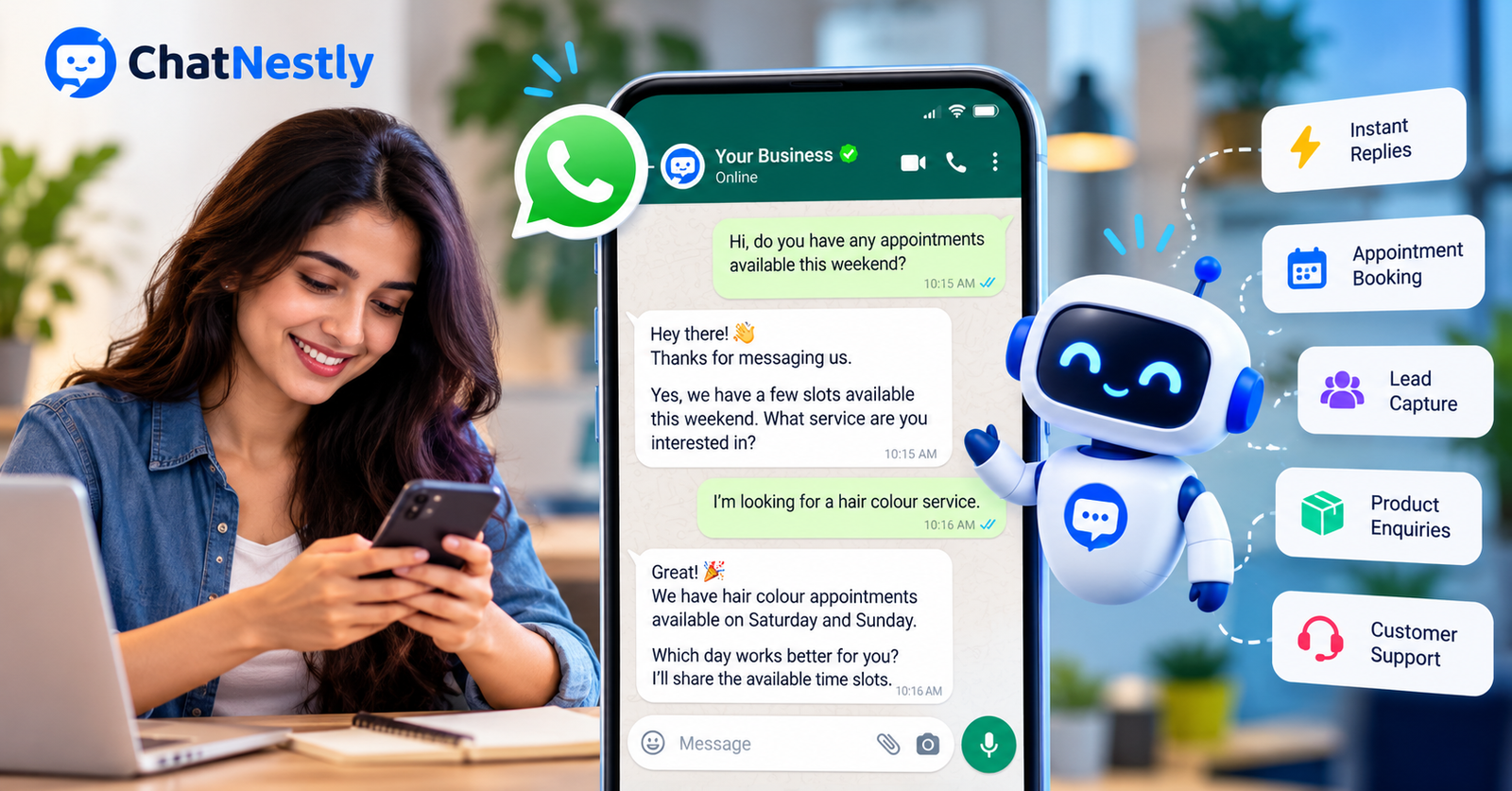
Customers don't arrange their shopping around your working hours. They message when they have a question, and most expect a fairly quick answer.

Sep 28, 2026
AI Chatbot vs AI Agent: What’s the Difference and Which Does Your Business Need in 2026?
A year or two ago, everything was an “AI chatbot.” Now we have AI agents, customer service agents, support agents and autonomous AI. It sounds impressive, but for a business owner trying to improve customer support, it can also make a simple decision unnecessarily confusing.

Sep 16, 2026
AI Chatbot for Lead Generation: How to Turn Website Visitors Into Leads
Your website may be getting visitors, but that does not mean those visitors are becoming leads. Many people leave because they still have questions about your product, service, price, delivery, or appointment process.