10 WhatsApp Auto Reply Messages for Business That Sound Human
Listen to this article
Press Play to start listening.
Reader settings
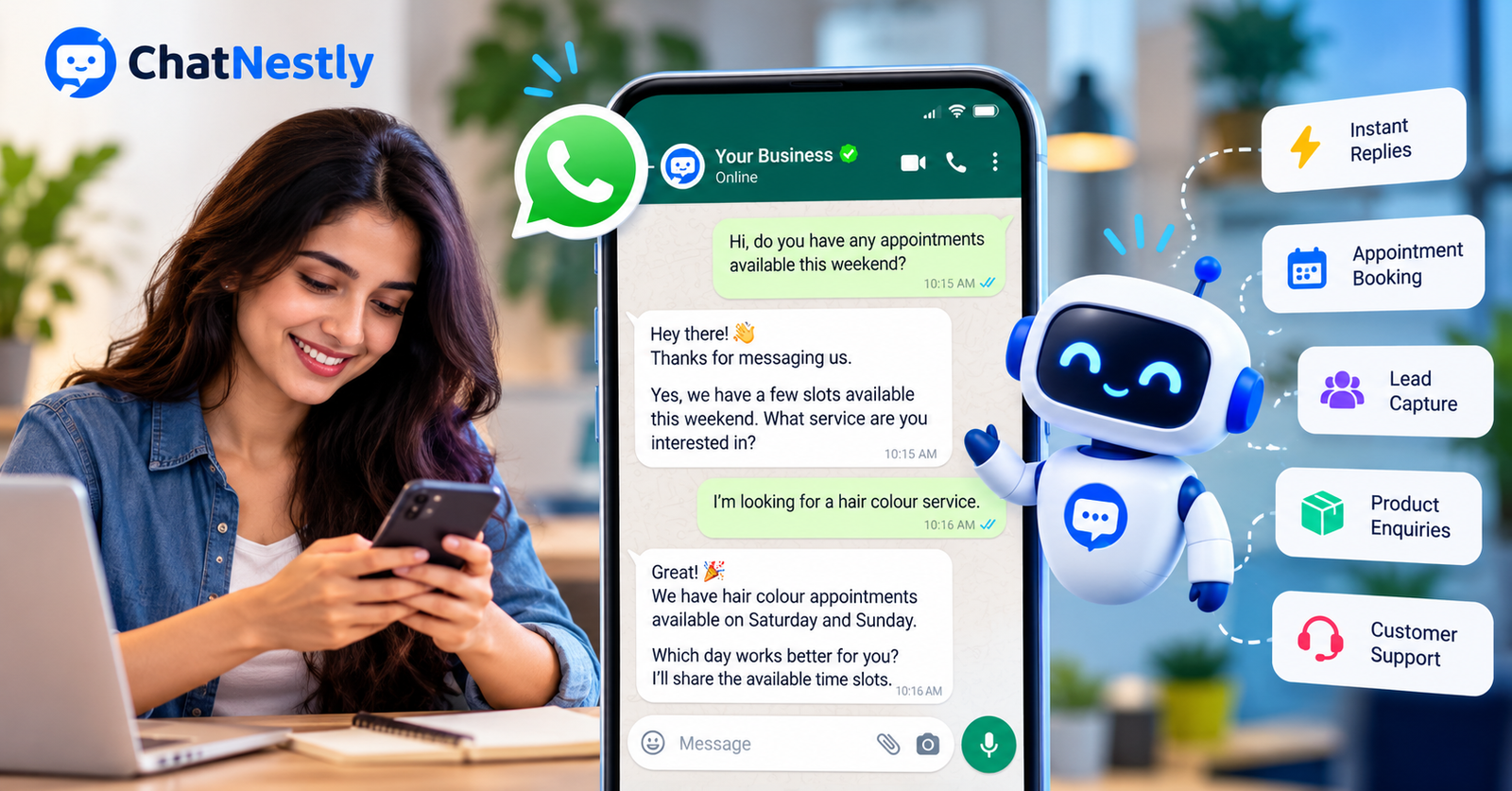
Picture this. It's nearly 10 at night, and someone sends your business a WhatsApp message.
"Hi, is this available? And how much is delivery?"
You're having dinner. Your phone is somewhere in the other room. By the time you see the message the next morning, the person has already ordered from another shop.
Annoying? Yes. Unusual? Not at all.
Customers don't arrange their shopping around your working hours. They message when they have a question, and most expect a fairly quick answer.
This is where WhatsApp auto reply messages for business can make life easier.
You don't need some complicated system for every little question. Sometimes a decent welcome message or a simple after-hours reply is enough. Other times, especially when you're getting dozens of enquiries, a WhatsApp AI chatbot can take care of the repetitive stuff.
The problem is that many automated messages sound terrible.
You know the ones.
"Dear valued customer, thank you for contacting our esteemed organisation. Your request is important to us."
Nobody talks like that.
So here are ten WhatsApp auto reply examples you can actually use, along with a few things worth knowing before you turn automation on.
First, What Exactly Is a WhatsApp Auto Reply?
It's just a message your business sends automatically when someone contacts you.
The basic WhatsApp Business app lets you set up greeting messages and away messages. Handy if you want people to know you've received their enquiry or that you're closed for the day.
But that's about as far as simple auto replies go.
If someone asks whether you deliver to Manchester, a fixed greeting won't answer the question.
An AI WhatsApp chatbot can do more, provided it's connected properly and has accurate information about your business. It can respond to common questions, ask for missing details, and help customers find what they're looking for.
But let's start with the actual messages.
1. A Welcome Message That Doesn't Sound Like a Reception Desk
Your first reply sets the tone.
Too formal, and the customer feels like they've reached a call centre. Too casual, and they might wonder whether they're talking to a serious business.
Keep it somewhere in the middle.
Try this:
"Hey! 👋 Thanks for messaging [Business Name]. What can we help you with today? Feel free to ask about our products, prices or services."
That's enough.
You don't need to explain your company history. You don't need to list ten menu options. Just make it easy for the customer to ask something.
For a local shop, you could make it even shorter:
"Hi! Thanks for getting in touch. Looking for something specific?"
A customer who wants to buy something usually wants to get straight to the point. Let them.
2. An After-Hours Message That Sets Clear Expectations
Nobody expects a small business owner to answer messages at 2 AM.
Well, some customers might. But you shouldn't have to.
An after-hours message tells people when they can expect a reply without making it feel like their enquiry has disappeared.
Example:
"Hi! We're closed for the day, but thanks for dropping us a message. We're back tomorrow at 9 AM. Leave your question here and we'll reply when we're online."
Simple and clear.
If you run a business that stays closed on Sundays, mention that too.
One thing I'd avoid is promising to reply "within 15 minutes" unless you can actually manage it.
Customers remember those promises.
And if your team regularly gets the same questions after closing time, such as prices, opening hours or delivery information, that might be a good reason to look into website support and WhatsApp automation.
3. When Someone Asks About Prices
Here's a question almost every business gets:
"Price?"
Just one word. No product name. No details.
You could send back a full price list, but that's rarely helpful.
For businesses with different packages or customised services, try this instead.
Example:
"Sure! Which product or service are you asking about? I'll help you with the price."
If you sell something with a fixed price, don't make the customer work for the answer.
Just tell them.
For example:
"The black backpack is £35. Delivery is extra and depends on your postcode. Want me to check that for you?"
People appreciate a straightforward answer. There's no need to turn every pricing enquiry into a sales interview.
4. Helping Someone Choose a Product
Imagine you sell skincare products.
A customer messages:
"Which moisturiser should I buy?"
Your first instinct might be to share your entire catalogue.
Please don't.
The customer is already confused. Sending 40 product links probably won't help.
A better WhatsApp automated message could be:
"Hi! Happy to help. Are you looking for something for dry, oily or combination skin?"
Once they reply, you have a better idea of what to suggest.
The same approach works for clothing, electronics, home products and plenty of other businesses.
If you use an AI chatbot trained on your catalogue, it can help narrow down products using the information you've provided.
Just keep its answers grounded in actual product details.
You don't want a chatbot inventing features to make a sale.
5. Appointment Booking Without Endless Back-and-Forth
If you've ever booked appointments through WhatsApp, you know how these conversations go.
Customer: "Can I come on Friday?"
You: "What time?"
Customer: "Evening."
You: "For which service?"
Customer: "Haircut."
Five messages later, you finally know what they want.
An automatic reply can collect the basics earlier.
Example:
"Hi! Looking to book an appointment? Tell us which service you need and your preferred day and time. We'll check what's available."
This works for salons, tutors, consultants, repair services and similar businesses.
You can also ask customers to share a contact number if you need it for the booking process, although they may already be contacting you from the number they want to use.
One small warning: collecting appointment details isn't the same as confirming an appointment.
Unless your chatbot can check your actual booking system, don't let it promise a slot that's already taken.
6. A Better First Reply for Sales Enquiries
Let's say you run a digital marketing agency.
Someone messages:
"Need help with advertising."
That could mean Google Ads, Facebook campaigns, local business promotion or something completely different.
Instead of immediately pushing your services, ask one useful question.
Example:
"Hey! We can help with that. Are you currently running ads, or are you looking to start from scratch?"
Their answer gives your sales team something useful to work with.
And that's what lead generation should be about.
Not collecting a name and number just so somebody can call them five times.
A properly configured chatbot can collect details like the customer's requirements, preferred service and budget range before handing the conversation to a person.
We've covered this in more detail in our guide to AI chatbot lead generation.
7. When a Customer Wants an Order Update
"Where's my order?"
If you run an online shop, you've probably seen this message more times than you can count.
And customers have every right to ask.
They've paid for something. They want to know where it is.
Example:
"Hi! Can you share your order number? We'll help you check the delivery status."
There's no need to write a paragraph about how much you value their patience.
Just help them find their order.
For an automated system to give a live tracking update, it needs access to the correct order information. That usually means connecting your store or order management system.
If that connection doesn't exist, the bot should collect the details and pass the request to your team.
Making up a tracking update is a quick way to lose trust.
8. Delivery Questions That Keep Coming Back
A customer asks if you deliver to their city.
Another asks about shipping charges.
Then somebody wants to know whether delivery is available on Saturday.
It's the same handful of questions, over and over.
That's a reasonable place to use WhatsApp Business automation.
Example:
"Hi! Yes, we can help with delivery details. What's your delivery postcode? We'll check the options for your area."
If your delivery fees are fixed, you can share them directly.
If shipping depends on location, make sure your automation uses current rates or gets someone to confirm the price.
The same goes for delivery dates.
Don't promise next-day shipping unless you know you can provide it.
9. When Someone Is Upset and Wants Help
This is where businesses need to be careful with automated replies.
A customer messages:
"I've contacted you three times about my refund. Nobody is helping me."
Sending another cheerful welcome message with five emojis is probably the worst thing you can do.
The person doesn't want another greeting.
They want their problem sorted out.
A better reply:
"Sorry you've had to chase this up. Can you share your order number so our team can look into it? If you'd prefer to speak with someone directly, let us know."
There's a difference between being friendly and pretending everything is fine.
For complaints, refunds and sensitive enquiries, your chatbot should have a clear way to involve a human.
An automated assistant doesn't need to win every conversation.
Sometimes the best thing it can do is get out of the way.
10. Following Up Without Sounding Desperate
You've sent a quote.
The customer said they'd think about it.
A few days pass. Nothing.
Should you follow up?
Sure, provided the customer agreed to receive that kind of message and you're following the relevant WhatsApp rules.
But keep it normal.
Example:
"Hi Sarah, just checking if you had any questions about the quote I sent over. Happy to explain anything if needed."
That's it.
No fake urgency.
No "LAST CHANCE!!!"
No five-message sequence asking why they haven't responded.
A polite follow-up is fine. Repeatedly bothering someone who hasn't asked to hear from you isn't.
Also, there's an important WhatsApp rule here.
On the official WhatsApp Business Platform, businesses generally need approved message templates to send messages outside the 24-hour customer service window. You also need appropriate permission for business-initiated messages.
So don't assume you can automatically send any follow-up whenever you like.
Do You Actually Need an AI WhatsApp Chatbot?
Not necessarily.
If you get ten WhatsApp messages a week and you're happy answering them yourself, you probably don't need an advanced tool.
Set up a welcome message. Add your working hours. That might be enough.
But things change when your business grows.
Maybe you're getting enquiries throughout the day.
People keep asking the same questions. Your team is copying and pasting replies. Some customers wait hours for an answer, especially on weekends.
At that point, an AI chatbot for WhatsApp Business becomes worth considering.
Here's the main difference:
A normal auto reply sends a message you've already written.
An AI chatbot can use your approved business information to respond to different questions and follow-up messages.
For example, a customer might ask:
"Do you offer website development?"
Then:
"What about ecommerce websites?"
And finally:
"Can someone call me tomorrow?"
A well-configured AI chatbot can explain your documented services, gather contact information and pass the enquiry to your team.
That's more useful than sending the same welcome message three times.
Of course, AI has limits too. It can misunderstand questions or give a wrong answer if its knowledge is incomplete.
That's why testing matters.
How to Set Up WhatsApp Auto Replies Without Making Things Complicated
Before installing anything, open your existing WhatsApp conversations.
Read through the last 20 or 30 enquiries.
You'll probably notice a pattern.
People ask about prices. Availability. Delivery. Booking. Refunds. Working hours.
Write down the most common questions.
Then decide which answers are straightforward enough to automate.
For basic greeting and away messages, you can use the WhatsApp Business app. The app includes built-in options for those types of messages.
If you need an AI assistant that handles different customer questions, you'll need a suitable chatbot platform and a supported WhatsApp Business Platform connection.
That's where a service like ChatNestly comes in.
With ChatNestly, you can build an AI chatbot using your website content, FAQs and business documents. Supported plans also provide WhatsApp automation, lead capture and options for team members to take over conversations.
The idea is fairly simple: instead of manually writing a reply for every possible question, you give the chatbot reliable information about your business.
But don't just switch it on and forget about it.
Ask it the questions real customers ask. Check the answers. Try confusing questions. See what happens when it doesn't know something.
And make sure customers can reach your team if they need to.
A Few WhatsApp Auto Reply Mistakes Worth Avoiding
I've already mentioned some of these, but they're worth repeating.
Don't make every message sound like a legal notice. Customers are messaging a business, not applying for a mortgage.
Don't pretend the bot is a human employee. If someone asks, be clear that they're speaking with an automated assistant.
Don't ask for information you don't need. You don't need someone's home address just to tell them your opening hours.
Don't invent answers. An uncertain but accurate reply is much better than confidently giving someone the wrong delivery date.
Don't trap people in a chatbot conversation. Give them a way to contact your team.
And please don't send promotional messages to everyone who has ever contacted your business.
Having a customer's phone number isn't the same as having permission to send them marketing.
Frequently Asked Questions
Can I send automatic replies on WhatsApp Business for free?
Yes. The standard WhatsApp Business app includes basic greeting and away messages. You don't need a paid AI chatbot just to tell customers you're closed or acknowledge a new enquiry.
What is a good WhatsApp welcome message for a business?
Try something simple:
"Hi! Thanks for contacting [Business Name]. What can we help you with today?"
You can adjust the wording depending on your business. A local cafe might sound different from an accounting firm, and that's perfectly fine.
Can WhatsApp reply automatically to customer questions?
Basic auto replies can send preset messages. For varied customer questions, an AI chatbot connected through the WhatsApp Business Platform can respond using your approved business information.
Is WhatsApp automation suitable for small businesses?
Yes, especially when you receive similar questions every day. But you don't have to automate everything. Start with the repetitive enquiries and keep complicated conversations with your team.
Can I use ChatNestly for WhatsApp auto replies?
ChatNestly offers AI-powered WhatsApp automation on supported plans. You can train your chatbot using your business information and use it to handle common enquiries, capture leads and involve team members when needed.
Are WhatsApp automated follow-up messages allowed?
They can be, but you need to follow WhatsApp's rules. Business-initiated messages require appropriate customer opt-in, and messages outside the permitted 24-hour customer service window require approved templates on the WhatsApp Business Platform.
Final Thoughts
You don't need to automate every conversation your business has.
Actually, I'd argue you shouldn't.
Some customers just want to ask what time you close. Others need help choosing a product. And sometimes someone has a genuine problem that only a person can sort out.
Treat those conversations differently.
Start with a few good WhatsApp auto reply messages. See which ones save you time and which ones need improving.
If you eventually reach the point where your team can't keep up with enquiries, then look at a proper AI chatbot.
The goal isn't to make customers think they're talking to a real person.
It's to make sure they get useful answers without having to wait half a day.
Tired of Answering the Same WhatsApp Questions?
If you're spending too much time replying to repeat enquiries, ChatNestly can help you automate common customer conversations using your own business information.
You can also start with a website AI chatbot and see how it performs before investing in more automation.
Explore ChatNestly and see whether it makes sense for your business.
About the author
ChatNestly
The ChatNestly Editorial Team shares practical guidance on AI chatbots, customer support automation, lead generation, and building better customer experiences.
Keep reading
Related articles

Sep 28, 2026
AI Chatbot vs AI Agent: What’s the Difference and Which Does Your Business Need in 2026?
A year or two ago, everything was an “AI chatbot.” Now we have AI agents, customer service agents, support agents and autonomous AI. It sounds impressive, but for a business owner trying to improve customer support, it can also make a simple decision unnecessarily confusing.

Sep 16, 2026
AI Chatbot for Lead Generation: How to Turn Website Visitors Into Leads
Your website may be getting visitors, but that does not mean those visitors are becoming leads. Many people leave because they still have questions about your product, service, price, delivery, or appointment process.

Sep 15, 2026
AI Chatbot for Website: How to Add One to Your Site
If your website already has good service pages, product information, FAQs and policies, that's a useful starting point. With ChatNestly, for example, you can use your website content and business documents to give the chatbot knowledge about your business.