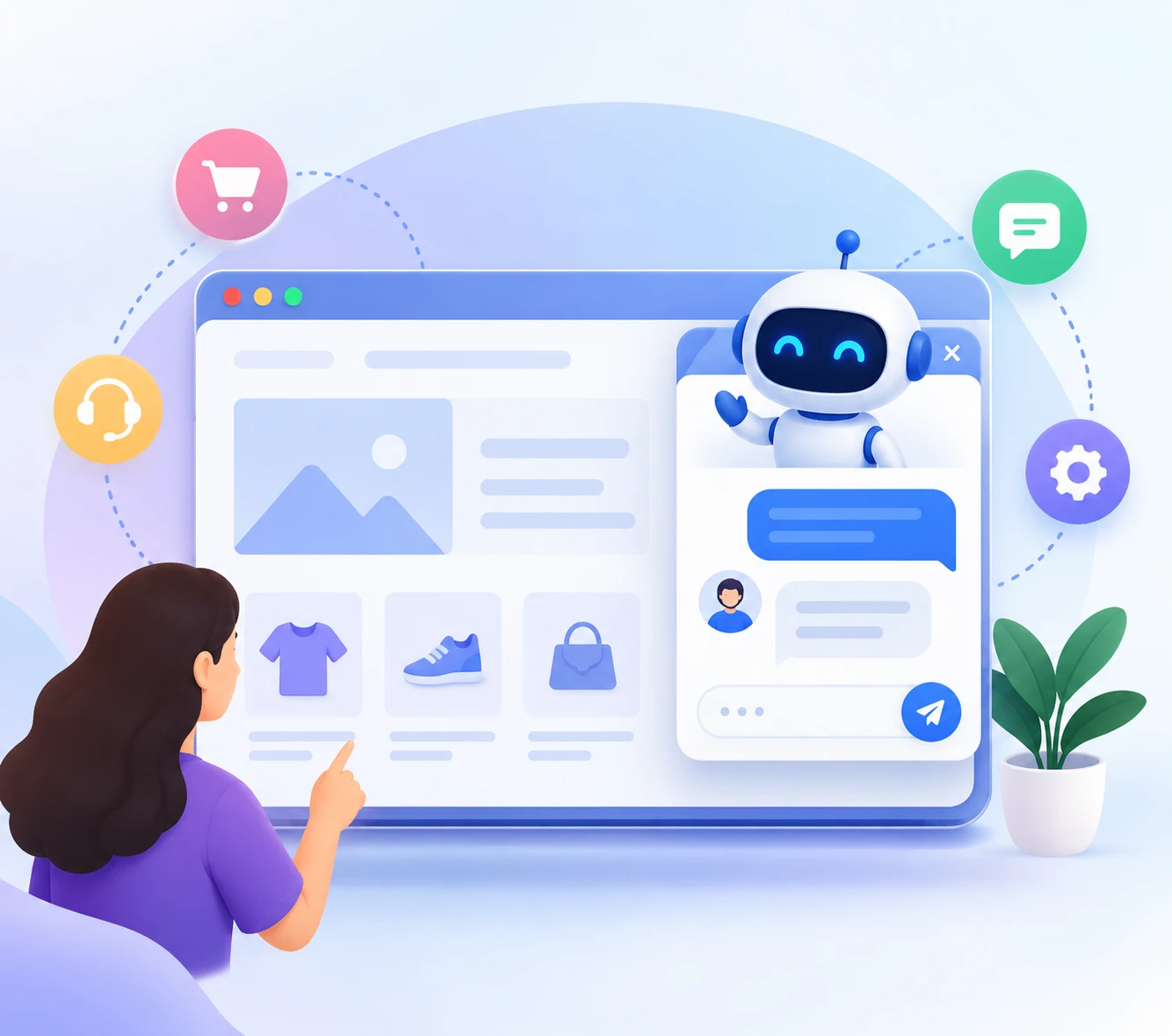
Give website visitors a quick way to get answers without searching through pages or waiting for a reply. ChatNestly handles common questions, captures leads, and brings in your team when a conversation needs a person.
No credit card required · Install when your assistant is ready
Why teams Love ChatNestly
Features That Make Ai Chat Widget For Websites Perfect for Your Business
Designed for wordpress, shopify, wix, webflow, hostinger, laravel, react, next.js, vue, angular, django, flask, php, node.js, and custom sites.
Answer Website Visitors Instantly With AI-Powered Customer Support 24/7
Train Your Chatbot Using Website Pages, FAQs, and Business Knowledge
Capture and Qualify Website Leads During Real-Time Customer Conversations
Track Lead Sources and Understand Where Customer Enquiries Come From
Get Mobile Notifications When New Customer Chat Messages Arrive
Hand Important Conversations From AI to Your Support Team Instantly
Collect Appointment, Order, and Service Enquiries Directly Through Chat
Review Customer Conversations to Discover Questions and Improve Your Website
Key platform features
Everything needed to support, route, and learn.
Configure the experience around your business instead of forcing every team into the same workflow.
Instant installation
♟
Add one lightweight script to WordPress, Shopify, WooCommerce, Wix, Laravel, React, PHP, or another website.
→Paste before the closing body tag
→Protect installation with allowed domains
→Use a responsive widget on desktop and mobile
Multilanguage assistants
♟
Configure each chatbot’s reply language and create assistants for the audiences, brands, or regions your organization serves.
→Select the chatbot language
→Keep the configured professional tone
→Use separate bots for different audiences
Conversation inbox
♟
Keep website and WhatsApp conversations visible in the workspace with clear AI and support-agent replies.
→Review full conversation history
→See which support agent replied
→Close and organize completed chats
Custom look and feel
♟
Match the widget to your website without rebuilding it. Control the chatbot identity and where its launcher appears.
→Choose brand and accent colors
→Upload a chatbot avatar
→Set left or right position and bottom spacing
Works with your content
♟
Build answers from approved website pages, sitemaps, PDFs, DOCX, TXT, CSV, FAQs, and manual knowledge.
→Crawl public sitemap and internal links
→Retrain sources after important updates
→Present relevant product and page links
Individual team assignments
♟
Invite an organization team and decide which chatbots and workspace areas each member can access.
→Assign agents to individual chatbots
→Show the replying agent’s name and avatar
→Use scheduled AI-to-human handoff
Built for this workflow
Benefits for ai chat widget for websites.
01
Help Visitors Find Answers Without Searching
Let customers ask questions directly instead of making them dig through multiple website pages to find the information they need.
02
Turn Website Traffic Into Real Conversations
Give interested visitors a simple way to ask questions, share what they need, and take the next step with your business.
03
Capture Leads While Interest Is High
Collect contact details and enquiry context during the conversation instead of relying only on visitors to complete a traditional form.
04
Stay Available Outside Working Hours
Continue helping with common questions during evenings, weekends, and other times when nobody from your team is online.
05
Learn What Website Visitors Actually Want
Review conversations to discover common questions, customer concerns, and information visitors struggle to find on your website.
06
Keep Personal Support for the Right Moments
Let AI handle straightforward questions while your team steps in for detailed sales, support, or customer conversations.
How it works
From trusted content to helpful conversations.
Launch carefully, review real visitor questions, and retrain when important source information changes.
1
Add your website pages, FAQs, documents, and business information.
2
Install the chatbot widget on your website in a few simple steps.
3
Visitors receive instant answers based on your business knowledge.
4
Capture leads and collect useful details during website conversations.
5
Track where conversations and website enquiries are coming from.
6
Get notifications when new customer messages need your attention.
7
Review conversations to understand what your visitors are asking.
8
Your team takes over whenever a conversation needs personal support.
Frequently asked questions
Questions before you start.
An AI chatbot for a website lets visitors ask questions and receive answers based on the business information you provide, while also supporting lead capture and customer enquiries.
You provide relevant website pages, FAQs, documents, and business knowledge. Visitors can then ask questions through the chat widget and receive answers based on that information.
Yes. ChatNestly can use relevant website content along with FAQs, documents, services, and other business knowledge to prepare your chatbot.
Yes. ChatNestly can collect contact details and enquiry context during conversations so your team has useful information when following up.
Available source and page information can help you understand where conversations started and what visitors were viewing when they contacted your business.
ChatNestly provides conversation notifications through supported notification options so you can stay aware when new customer messages need attention.
Yes. AI can handle straightforward questions while conversations that need personal attention can be handed over to your team.
Yes. ChatNestly can be installed on WordPress as well as Shopify, WooCommerce, Wix, Webflow, custom websites, and other supported platforms.
Many website platforms provide an area where the installation script can be added. Custom applications may need a developer to update the shared website layout.
A free plan is available with limited usage. Current paid options and regional prices are shown in the pricing section.
An AI chatbot for website helps visitors find answers while they're still interested in your business. With ChatNestly, you can add a website chatbot that provides 24/7 customer support, answers questions using your own business knowledge, captures and qualifies leads, handles appointment and order enquiries, and hands conversations to your team when needed. Train your AI website chatbot using website pages, FAQs, documents, services, and other useful information, then add it to WordPress, Shopify, WooCommerce, Wix, Webflow, or a custom website.
Start building today
Give every visitor a clearer next step.
Create your chatbot, add trusted knowledge, assign your team, and install it on an approved website.