AI Chatbot for Lead Generation: How to Turn Website Visitors Into Leads
Listen to this article
Press Play to start listening.
Reader settings
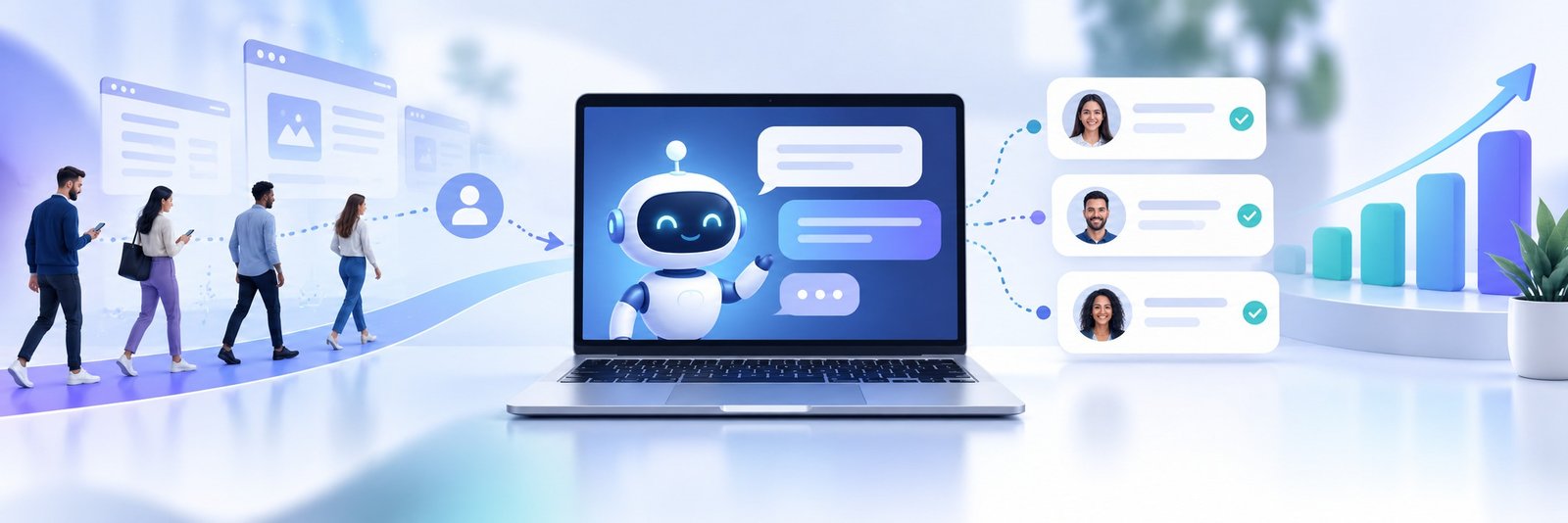
Your website may be getting visitors, but that does not mean those visitors are becoming leads. Many people leave because they still have questions about your product, service, price, delivery, or appointment process.
An AI chatbot for business helps solve that problem. It talks with visitors in real time, answers common questions, collects useful information, and guides interested people toward the next step—such as booking an appointment, requesting a quote, placing an order, or speaking with your team.
Why do website visitors leave without becoming leads?
A visitor can be interested in your business and still leave without contacting you.
Maybe they could not find the answer they needed. Maybe your contact form asked for too much information. Perhaps they visited after working hours and did not want to wait until the next day.
This is where a website AI chatbot becomes useful. Instead of making visitors search through multiple pages, it gives them a simple way to ask questions and get immediate help.
For example, a visitor might ask:
- Do you provide this service in my area?
- Which product is right for me?
- Can I get a quote?
- How long does delivery take?
- Can I book an appointment?
- Can someone from your team contact me?
The chatbot can respond, understand the visitor’s interest, and collect their details when the conversation is ready.
How does an AI chatbot generate leads?
A lead generation chatbot does more than display a welcome message. It starts a conversation and learns what the visitor is looking for.
The conversation might begin with a simple question such as:
“What brings you here today?”
The visitor can then choose an option or type a question. Based on their reply, the chatbot can ask a few relevant follow-up questions, such as:
- What product or service are you interested in?
- What type of help do you need?
- When would you like to get started?
- What is the best way to contact you?
The chatbot can collect information such as a name, email address, phone number, location, product interest, appointment needs, or order details.
The important part is keeping the conversation natural. Visitors should not feel as if they are completing a long form disguised as a chat. Ask only for information your team actually needs.
What information should you use to train the chatbot?
A chatbot is only as helpful as the information it receives.
Businesses can train ChatNestly using website content, business documents, FAQs, and other relevant business knowledge. This helps the chatbot answer questions using information specific to the business.
Useful training material may include:
- Product and service details
- Frequently asked questions
- Business hours
- Contact information
- Ordering and booking instructions
- Shipping and delivery policies
- Return or cancellation information
- Service locations
- Basic pricing details
- Common questions asked by customers
Before publishing the chatbot, test it with real customer questions. Ask questions in different ways and check whether the answers are clear.
If the chatbot does not have enough information, it should direct the visitor to your team instead of guessing. This is especially important for pricing, availability, delivery promises, and service policies.
How to Train an AI Chatbot With Business Documents
How does lead qualification work?
Not every lead needs the same follow-up.
Someone asking a general question may only need more information. Another visitor may be ready to book a meeting or place an order. A chatbot can help your team understand the difference.
For example, a service business might ask:
- What service are you interested in?
- Where are you located?
- When do you need the service?
- Would you like a team member to contact you?
An ecommerce business may ask about the product category, order requirements, delivery location, or preferred product.
These answers help organise enquiries according to their intent. The sales or support team receives more context instead of a name and phone number with no explanation.
That makes follow-up more useful. Your team already knows what the person wants before starting the conversation.
Why should businesses connect website chat with WhatsApp?
Many customers prefer WhatsApp because it is familiar and convenient. A website visitor may begin with a question on your site but prefer to continue the conversation on WhatsApp.
A WhatsApp chatbot for business can help answer questions, collect lead details, support appointment enquiries, and assist with order-related conversations.
ChatNestly also supports WhatsApp automation, scheduled WhatsApp messages, customer categories, segmentation, and appropriate bulk messaging through the official Meta WhatsApp API.
A typical customer journey might look like this:
- A visitor asks a question on your website.
- The chatbot provides an answer.
- The visitor shares their contact details or chooses WhatsApp.
- The business continues the conversation through WhatsApp.
- A team member takes over when personal support is needed.
Businesses should always follow WhatsApp’s consent rules and messaging policies. Bulk messages should be relevant, properly managed, and sent through the official API.
Why did we build ChatNestly?
We built ChatNestly after seeing how much time businesses spend answering the same questions again and again.
Small teams do not always have someone available when a visitor reaches their website. This is especially true outside working hours, during busy periods, or when several customers contact the business at once.
We wanted to make automation easier without forcing businesses to build complicated chatbot flows.
The purpose is not to replace human support. It is to let AI handle straightforward questions while the team focuses on conversations that genuinely need a person.
ChatNestly can help businesses:
- Answer common customer questions 24/7
- Capture and qualify leads
- Handle appointment enquiries
- Assist with order questions
- Transfer conversations to a human team member
- Automate WhatsApp conversations
- Schedule WhatsApp messages
- Organise customers into categories
- Send suitable bulk messages through the official Meta WhatsApp API
The platform can be used with WordPress, Shopify, WooCommerce, Webflow, Wix, custom websites, and other common website platforms.
How can you create a chatbot that actually helps visitors?
Start with the questions your team answers most often. These questions usually reveal what visitors need before they are ready to become leads.
Next, decide what information your team needs for follow-up. Do not collect unnecessary details. A short, relevant conversation usually works better than a long form.
You should also decide when the chatbot should involve a human. A visitor should have a clear way to speak with your team if the question is sensitive, unusual, or too specific for automation.
Finally, test the chatbot before sending visitors to it. Ask unclear questions, change the subject, request more information, and see whether the chatbot responds sensibly.
A chatbot should make the first interaction easier not leave visitors frustrated.
Is an AI chatbot right for every business?
An AI chatbot for business is useful when your team receives repeated questions, misses enquiries outside working hours, or needs better information from potential customers.
It may not be the right first step for a business with very little website traffic or one where every enquiry requires expert human advice immediately.
The results depend on how well the chatbot is trained and how clearly its role is defined. Give it current business information, keep its questions focused, and make human support easy to reach.
Final thoughts
A website visitor becomes a lead when the business makes it easy to ask questions and take the next step.
An AI chatbot can answer visitors immediately, collect useful details, qualify enquiries, and connect serious prospects with your team. When combined with WhatsApp automation, it can also help businesses continue conversations after the visitor leaves the website.
ChatNestly gives businesses a simple way to automate customer support, capture leads, handle appointment and order enquiries, and connect website conversations with WhatsApp.
Train your chatbot with your business information, test it with real questions, and start turning more website conversations into genuine opportunities.
Frequently Asked Questions
It is an automated chatbot that answers customer questions, collects information, qualifies enquiries, and supports conversations through a website or messaging platform.
Yes. It can engage visitors, ask relevant questions, collect contact details, and guide interested people toward a booking, enquiry, or human follow-up.
It is a chatbot designed to identify interested visitors, gather useful information, and help businesses decide how to follow up.
Yes. ChatNestly supports WordPress, Shopify, WooCommerce, Webflow, Wix, custom websites, and other common platforms.
Yes. ChatNestly supports WhatsApp automation, scheduled messages, customer categories, segmentation, and appropriate bulk messaging through the official Meta WhatsApp API.
About the author
ChatNestly
The ChatNestly Editorial Team shares practical guidance on AI chatbots, customer support automation, lead generation, and building better customer experiences.
Keep reading
Related articles
Sep 15, 2026
AI Chatbot for Website: How to Add One to Your Site
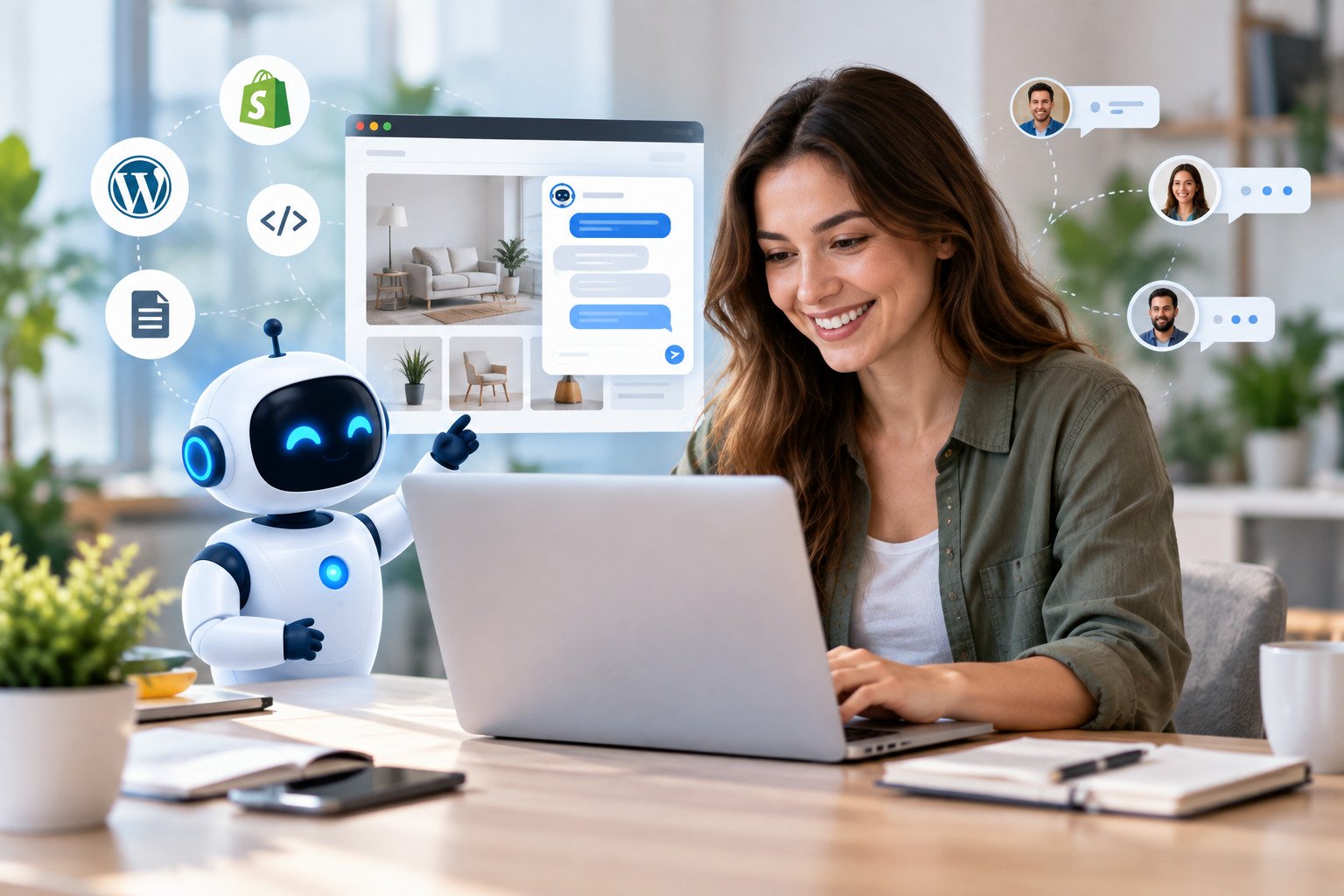
If your website already has good service pages, product information, FAQs and policies, that's a useful starting point. With ChatNestly, for example, you can use your website content and business documents to give the chatbot knowledge about your business.
Sep 14, 2026
AI Chatbot for Business: How ChatNestly Automates Customer Support
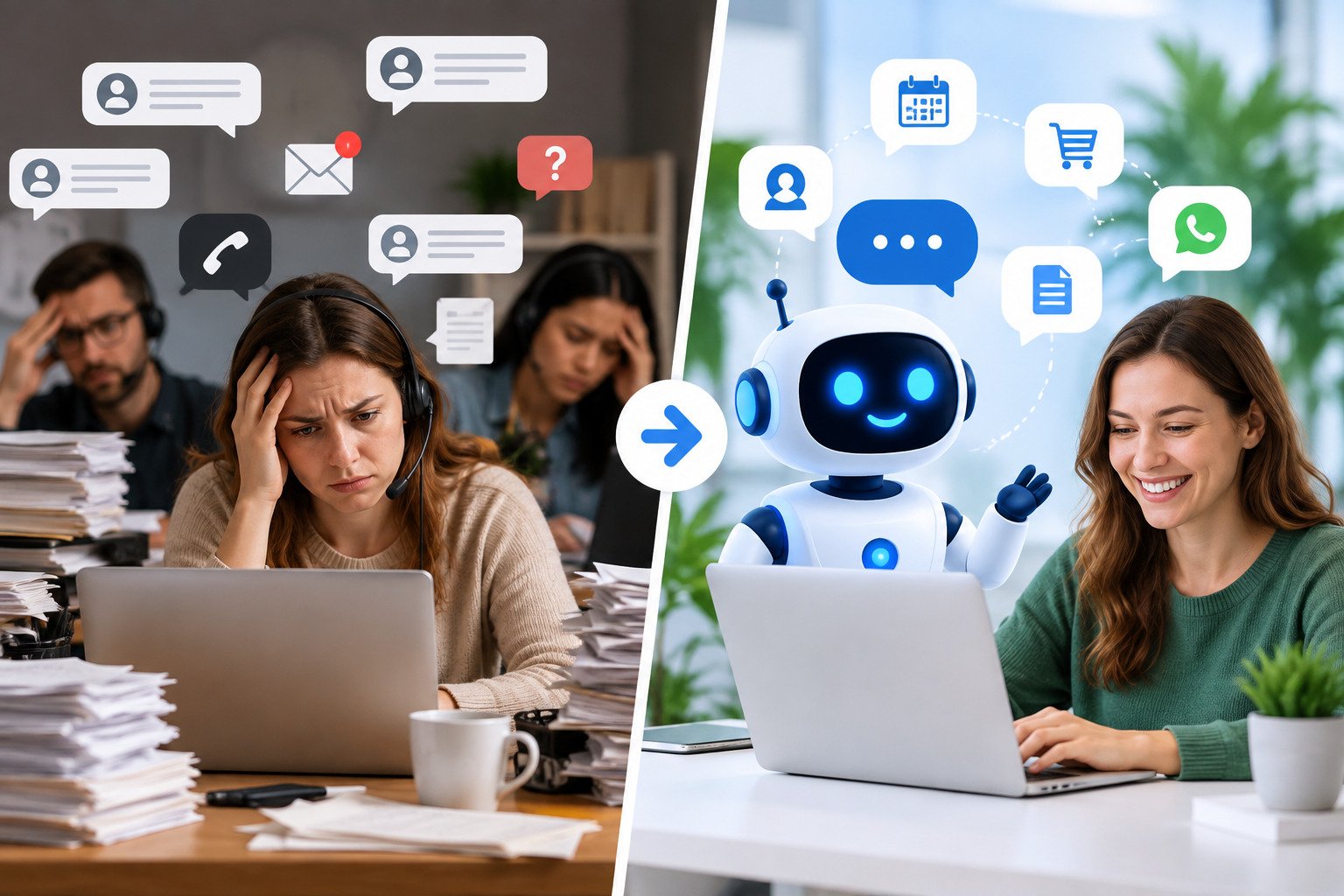
ChatNestly helps businesses handle routine customer conversations using an AI chatbot. It can sit on your website, answer common questions, collect lead details, help with bookings, and stay available when your team has logged off for the day.

Sep 9, 2026
Best WhatsApp Chatbot for Real Estate in the USA (2026): Features, Pricing & Comparison
Buying or selling a home usually starts with a conversation. Someone sees a property on Instagram. Another person finds a listing through Google. Someone else visits a real estate website late at night and wants to know whether a property is still available.