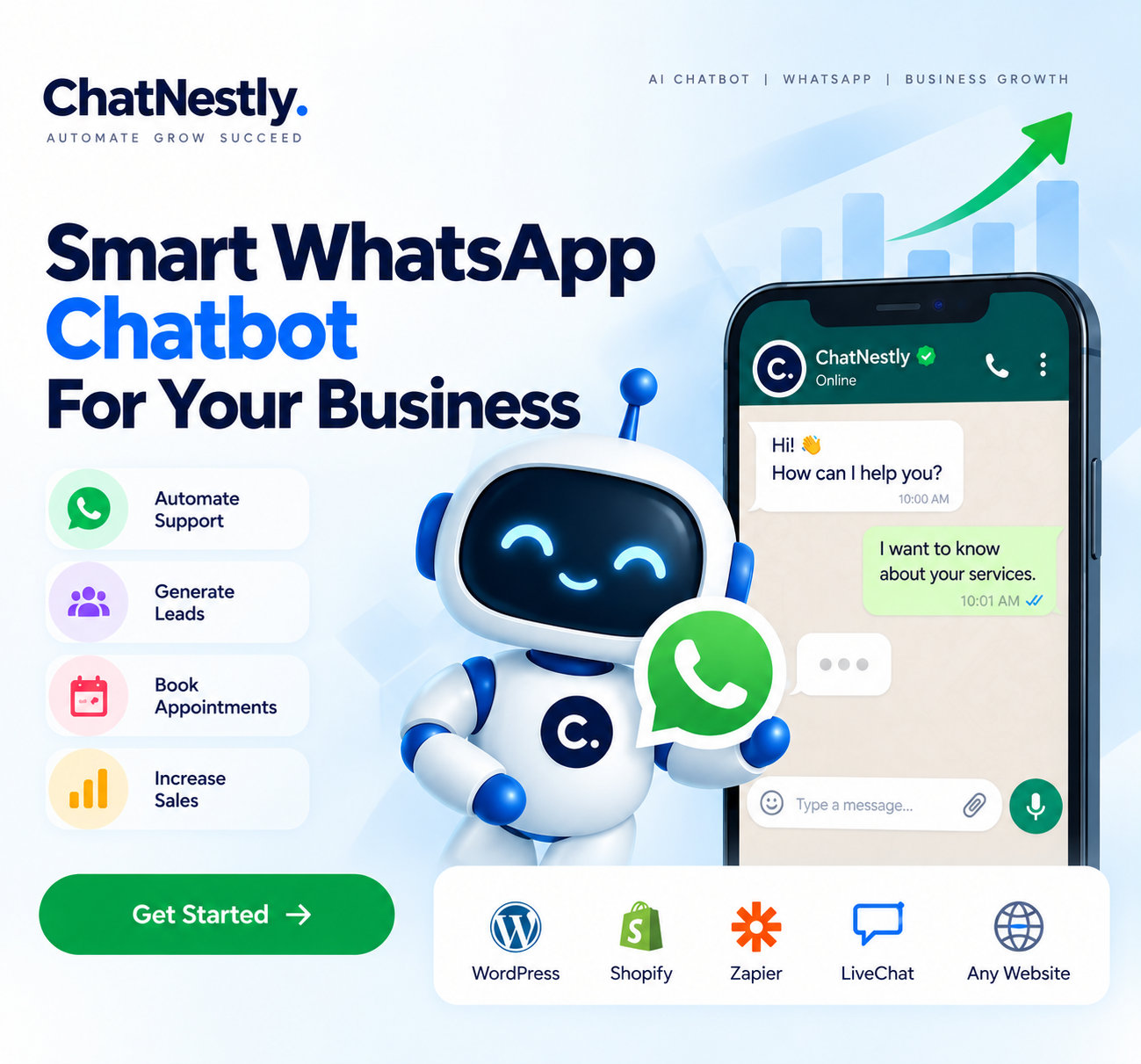
What is a WhatsApp Chatbot?
A WhatsApp chatbot is an automated system that directly interacts with customers via WhatsApp. It can respond to frequently asked questions, give product or service information, gather customer information, and support user needs without necessitating your employees to respond manually each time.
Using WhatsApp Chatbot Automation, companies can deal with daily interactions with customers in a faster way, and remain available around the clock.
How Does a WhatsApp Chatbot Work?
All a customer has to do is send a message to your business via WhatsApp. The WhatsApp AI chatbot can comprehend the question and provide relevant data based on the business data and instructions given to it.
For instance, customers can inquire about pricing, services, hours of operation, product information, appointments, or other frequently asked questions, and get a prompt reply.
Why Does Your Business Need a WhatsApp Chatbot?
Customers prefer quick and convenient communication. A WhatsApp chatbot for business helps reduce response times and ensures customers don't have to wait for basic information.
It can also reduce repetitive work for your support team, allowing them to focus on conversations that genuinely require human assistance.
How to Create a WhatsApp Chatbot for Your Business?
To create WhatsApp chatbot automation, you first have to determine what are the most common questions that your customer asks you each time. You can add your company's details, products and services, FAQs, etc. and set your chatbot to reply to these conversations.
From a WhatsApp chatbot free solution to Meta AI chatbot WhatsApp and the best AI WhatsApp chatbot, you should opt for a platform that delivers easy and effective automation, including a reliable customer support chatbot that helps your customers get quick answers and better assistance.
Ready to Automate Your WhatsApp Conversations?
Use ChatNestly to automate customer support, answer questions, capture leads, and make your business available 24/7.
Register today and start building smarter WhatsApp conversations with ChatNestly.